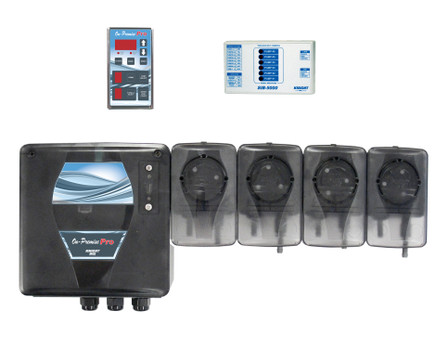
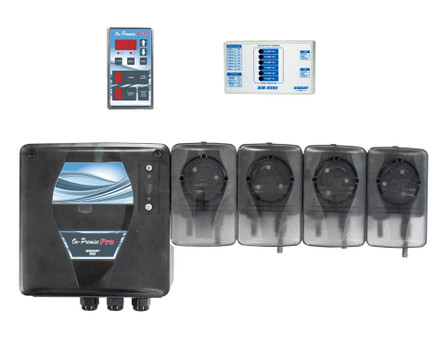
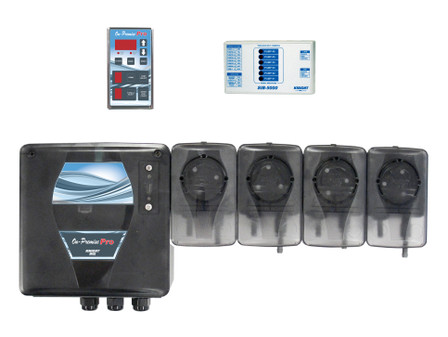
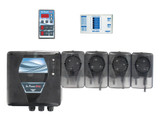
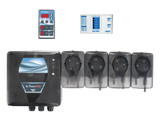
KNIGHT Equipment On Premise Pro Laundry Dispenser Remote Control
QUICK-START PROGRAMMING
The steps below will give you just the basics to quickly setup a new system. More details and complete programming information are included in the following pages of this manual.
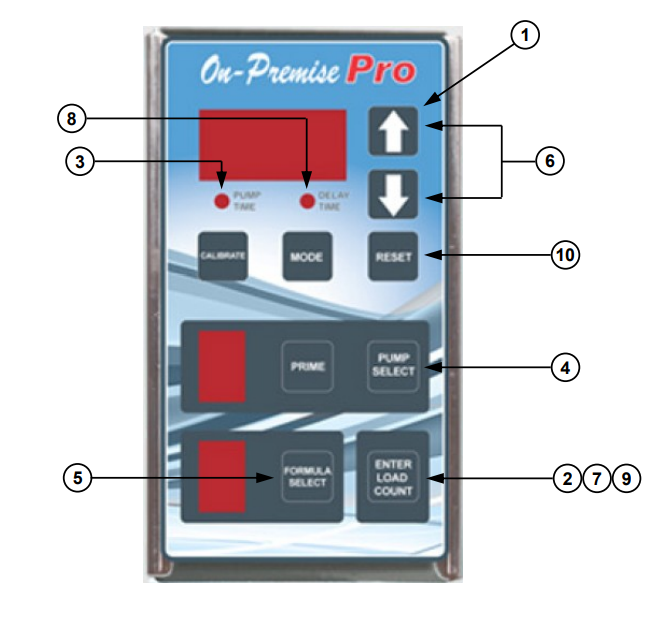
(1) Press Up once (for default 000 access code).
(2) Press ENTER...―ACC‖ will flash briefly on the display. You now have access.
(3) Note that the pump time LED will be flashing.
(4) Press pump SELECT until desired pump number is displayed.
NOTE: If using a flush manifold, program pump ―F‖ on all formulas to set flush time.
(5) Press formula SELECT until desired formula number appears.
(6) Use Down/Up to input the pump time or flush time (or delay time) in seconds.
(7) Press ENTER…the display will flash indicating that your entry has been saved.
(8) To program a pump delay time, press MODE until delay time LED is flashing. Repeat steps 4 – 7.
(9) To set the load count pump, press ENTER twice (note that pump time & delay time LEDs turn off). Use pump
SELECT to choose the pump number that will be used to count loads for each formula. After a few seconds, the
pump time LED will return, indicating that your entry has been saved.
(10) Press RESET when finished programming and ready to run.